
Sometimes we need to update our pet’s details, perhaps they got neutered/spayed or you want to add other distinguishing features. To update your pet’s details follow the steps below:
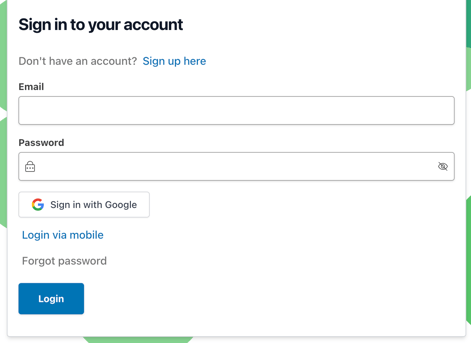
Step 1
Login to your account here: https://app.mypethq.io/login
Step 2
Once logged in on your side bar and go to “My Pets”. If using a mobile device, then you will see three lines on the top left of your screen (see pink arrow in photo), click the three lines and then click on 'My Pets'.
Step 3
Now click View Profile on the pet you want to edit
Step 4
Amend any details you’d like to edit and click Save